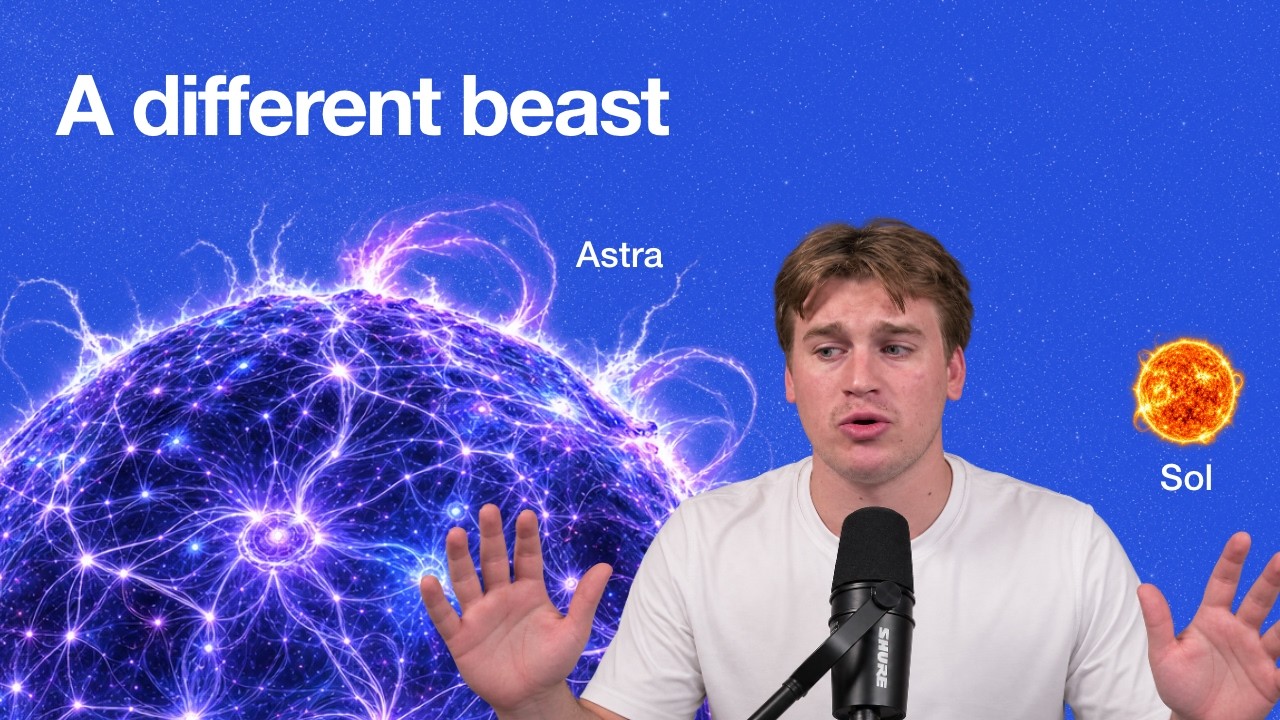
Grok 4.7 is out, and beyond the expected coding gains, it turned out to be surprisingly good at video editing. To test it, I used what I call the Does It Work benchmark: I replaced GPT-5.6 Sol, the model I use every day, with Grok 4.7 and gave it my real work.
Two projects stood out: an app that turns any video into a 3D time volume, and a clean rotoscope of me from raw footage with a single prompt. The full release notes are on xAI’s site.
Summary
- Grok 4.7 replaced GPT-5.6 Sol as my daily model and handled every task I gave it.
- It built a small app that stacks every frame of a video into a 3D time volume with a chromatic aberration effect. It took three or four prompts, not one.
- On talking-head footage, the volume renders the still background as solid and my moving head as a trail of distinct positions.
- From one prompt, “can you rotoscope this please?”, it produced a clean foreground mask in OpenCode, showing alpha previews as it worked.
- The mask has slight feathering at the edges, likely caution around hair, but it’s good enough to use in a real video.
How to apply it
- Test a new model on your own daily work, not benchmarks: make it your default for a few days and note where it fails.
- For visual tools, give the agent a reference clip or post and a one-line goal, then iterate. Expect a few rounds of fixes, such as output resolution.
- To rotoscope, drop the source file into your coding agent and ask for a clean foreground track.
- Render the result over a solid color to inspect the mask, and check hair and fast motion before using it in a final edit.
Verdict
A capable daily driver that also handles video work I didn’t expect from a coding model. Plan on a few prompts, not one.
What’s good
- Handled every task in my daily workflow
- Built a working time-volume video app
- Clean rotoscope from a single prompt
What’s not
- Took three or four prompts, not one shot
- Slight feathering on mask edges
Get the next test the day it’s out.